HD Camera2.3.1
Publisher Description
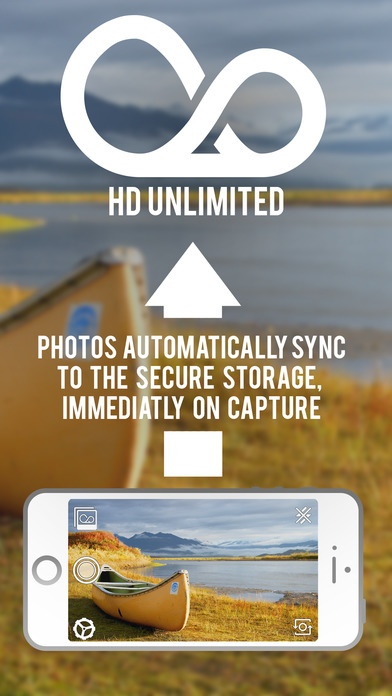
See The Bigger Picture
HD Unlimited
ALL NEW Unlimited Storage. Yes, unlimited.
Take pictures in full HD 16:9 (1920 x 1080), 4:3, and 1:1
Capture and share images that fill up your entire mobile screen
Tone your images to perfection with our advanced but easy to use editing options
Easy to use manual focus
Set timer to 3s, 5s, or 10s before capturing an image
Adjust focus and exposure separately
First ever unlimited image storage; never again worry about deleting pictures to clear space
Use Macro with your iPhone!
- 3 easy to use settings that automatically adjusts the focus to: Auto, Macro, and Landscape
Instantly share your pictures with ease on Facebook, Twitter, Instagram, Email, or iMessages right from the application
Subscriptions Details
-------------------------
Choose between $0.99 a month or $9.99 a year
Subscriptions are billed and auto-renewed each month as follows:
Payment will be charged to iTunes Account at confirmation of purchase
Subscription automatically renews unless auto-renew is turned off at least 24-hours before the end of the current period
Subscriptions may be managed by the user and auto-renewal may be turned off by going to the user's Account Settings after purchase
Account will be charged for renewal within 24-hours prior to the end of the current period, and identify the cost of the renewal
No cancellation of the current subscription is allowed during active subscription period
HD Unlimited Privacy Policy:
http://hdcamera.net/privacy
Requires iOS 7.0 or later. Compatible with iPhone, iPad, and iPod touch.
About HD Camera
The company that develops HD Camera is iSkore Development Inc.. The latest version released by its developer is 2.3.1.
To install HD Camera on your iOS device, just click the green Continue To App button above to start the installation process. The app is listed on our website since 2014-04-08 and was downloaded 5 times. We have already checked if the download link is safe, however for your own protection we recommend that you scan the downloaded app with your antivirus. Your antivirus may detect the HD Camera as malware if the download link is broken.
How to install HD Camera on your iOS device:
- Click on the Continue To App button on our website. This will redirect you to the App Store.
- Once the HD Camera is shown in the iTunes listing of your iOS device, you can start its download and installation. Tap on the GET button to the right of the app to start downloading it.
- If you are not logged-in the iOS appstore app, you'll be prompted for your your Apple ID and/or password.
- After HD Camera is downloaded, you'll see an INSTALL button to the right. Tap on it to start the actual installation of the iOS app.
- Once installation is finished you can tap on the OPEN button to start it. Its icon will also be added to your device home screen.
